The little things
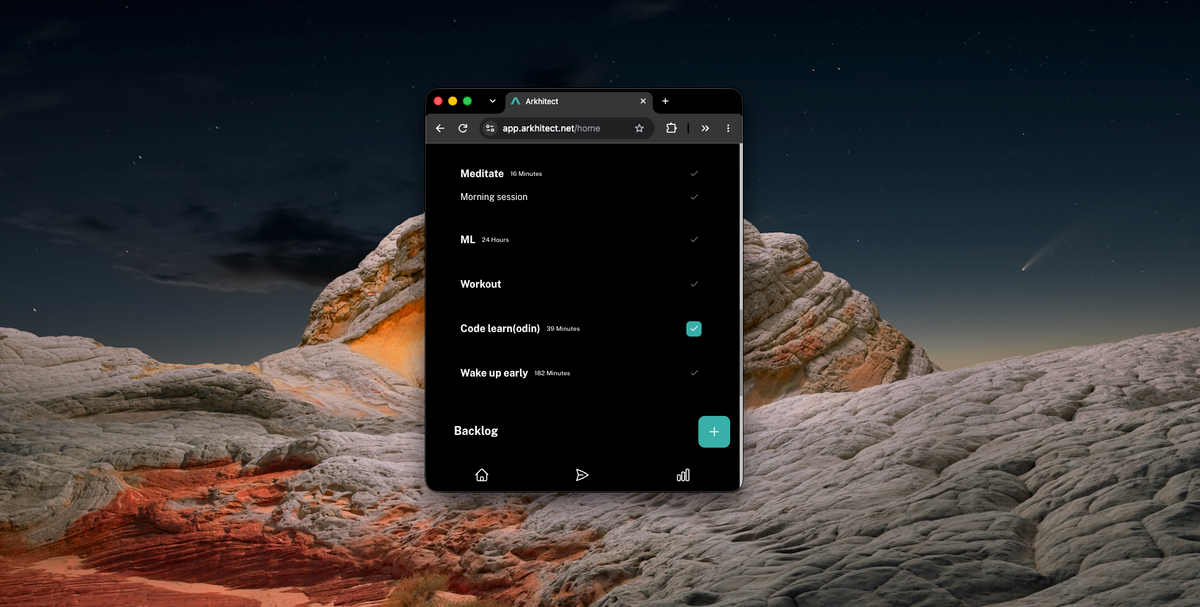
Just added a small text next to the habit name.
It displays the last Target and the Unit

I think it looks pretty clean.
Now that I look at it close up, it's not fully centered vertically lol
The reason why?
When I create a habit and set it as a "Focus" type, the target gets updated based on my inputs.
After getting the target to a stage I am comfortable with, I move it to an installed habit. Eg. 30 mins of reading.
However, when it goes into installed, I couldn't see where I had left off.
Now I can see.
The reason I am doing this is to estimate how much of an installed habit I can do on a given day.
Example: Coding course (Medium priority) - 39 Minutes last target.
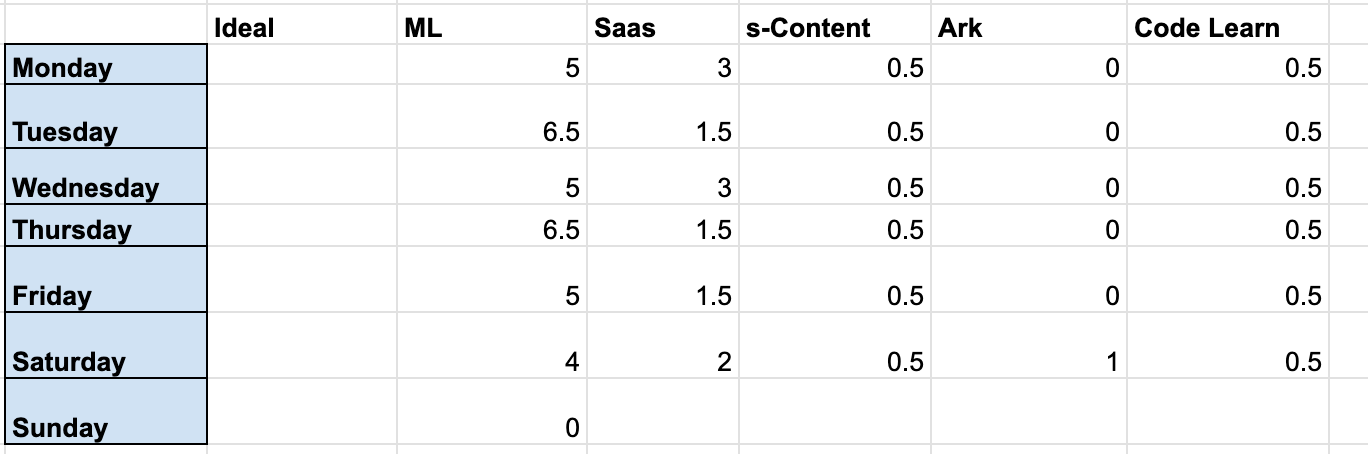
If it's an ideal day, then I can do the last set target. Which would be 39 minutes.
If it's a maintenance day. (eg something comes up, but the whole day is not destroyed. maybe half is gone.)
I do a preset amount based on the priority of the habit.
So in this habit it would be 10 mins
If the day is obliterated.
Then I do just 2 minutes, maybe just open the course. The bare minimum.
This way I keep it rolling.
No matter how shit the day is.
It's been a game changer so far.
Maybe in the future I will add these 3 categories to the app.
Maybe a way to toggle through the day types.
Let's see.